

Track every billable minute with a dedicated time-tracking app like Toggl or RescueTime – watching those hours adds up to real dollars. Break down complex projects into 25-minute focused work blocks, marking clear start and finish times to boost your freelance writing income through improved productivity. Create project-specific time codes to identify your most profitable writing activities and eliminate time-wasting tasks that eat into your earning potential.
Time tracking transformed my freelance writing business from charging $30 per hour to $85 per hour by revealing exactly where I was undervaluing my expertise. The data showed which clients provided the best return on time invested and which projects deserved higher rates based on actual effort required.
Start today by logging your next writing assignment from initial research to final edits. Review those numbers weekly. Your future self will thank you for finally putting real metrics behind your pricing decisions instead of guessing at your true hourly rate.
Why Most Freelance Writers Struggle with Time Management

The Real Cost of Poor Time Tracking
When you’re not tracking your time effectively, you’re likely leaving money on the table. Many freelance writers are surprised to learn they’re actually earning less per hour than they thought. Let’s say you quote a client $300 for what you estimate is a 10-hour project. Without proper tracking, that project might actually take 15 hours, dropping your hourly rate from $30 to $20.
But the financial impact goes beyond just hourly rates. Poor time tracking can lead to scope creep, where you’re doing extra work without compensation. It also makes it harder to identify your most profitable projects and clients. Writers who track their time carefully often discover that smaller, quick-turnaround projects might be more lucrative than lengthy assignments they previously favored.
There’s also the hidden cost of administrative tasks. Without proper tracking, you might not realize you’re spending three hours per week on unpaid activities like client communication or project management. That’s 156 hours annually – time you could spend on billable work or developing your writing skills to command higher rates.
Common Time-Wasting Traps for Writers
Even experienced writers fall into common productivity traps that eat away at valuable working hours. Social media “quick checks” can turn into hour-long scrolling sessions, while the pursuit of perfect prose might keep you endlessly refining the same paragraph. Research rabbit holes are particularly tempting – you start looking up one fact and emerge two hours later with fascinating but unnecessary information.
Email management is another sneaky time-thief. Constantly checking your inbox disrupts your writing flow and makes tasks take longer than necessary. Many writers also underestimate how much time they spend on administrative tasks like invoice preparation and client communications.
The perfectionist trap often shows up during the editing phase. While quality matters, excessive self-editing before submitting a first draft can seriously impact your hourly rate. Similarly, taking on rush jobs without proper time estimation or accepting projects that require extensive new research can throw off your entire schedule.
Being aware of these common pitfalls is the first step toward avoiding them. Start by identifying which ones affect you most, then develop specific strategies to combat them.
Simple Time Tracking Tools That Work for Writers
Free vs Paid Options
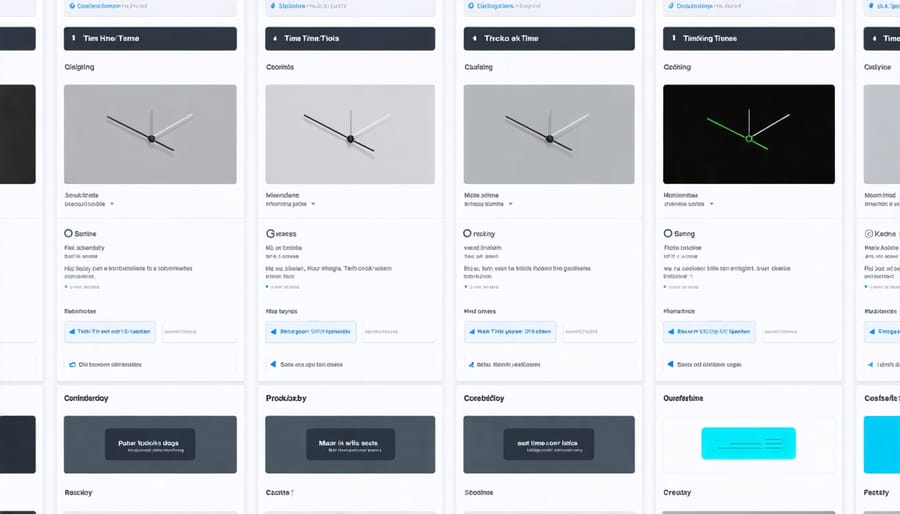
When it comes to time tracking tools, you don’t always need to invest money to get started. Many freelance writers begin with free options that offer robust features. Popular free tools like Toggl Track and Clockify provide essential functions such as project tracking, basic reporting, and unlimited time entries.
However, as your freelance business grows, you might benefit from paid options that offer advanced features. Premium versions typically include detailed analytics, client billing integration, and team collaboration tools. For example, tools like Harvest ($12/month) and Time Doctor ($10/month) offer invoice generation, expense tracking, and productivity monitoring.
Consider starting with a free version to understand your needs before upgrading. Many writers find that free tools like Google Sheets combined with a basic timer work perfectly fine for their needs. If you’re handling multiple clients or need detailed reporting for tax purposes, a paid option might be worth the investment.
Key features to look for in both free and paid options:
– Project categorization
– Report generation
– Easy time entry
– Mobile app access
– Export capabilities
– Integration with other tools
Remember, the best choice depends on your specific workflow and client requirements. Many tools offer free trials of their premium features, so you can test drive before committing to a paid subscription.
Setting Up Your First System
Getting started with time tracking doesn’t have to be complicated. Begin by choosing a simple, user-friendly time tracking tool – many freelancers start with free options like Toggl or Clockify. These tools offer basic features that are perfect for beginners while allowing room for growth as your needs evolve.
First, create categories for different types of work you do. For writers, this might include research, drafting, editing, client communication, and administrative tasks. Set up these categories in your chosen tool before you start tracking.
Next, establish a routine. Start your timer when you begin work and stop it when you take breaks. Be honest with yourself – track everything, including those quick email checks and minor revisions. This gives you accurate data to work with.
Try this simple system for your first week:
– Monday morning: Set up your tracking categories
– Tuesday to Friday: Track everything, even small tasks
– Friday afternoon: Review your data
– Weekend: Analyze where your time went
Remember, perfection isn’t the goal in your first week. Focus on building the habit of clicking “start” and “stop.” Many successful Canadian freelancers report that their first month of tracking was eye-opening, revealing they spent more time on administrative tasks than actual writing.
As you get comfortable with basic tracking, you can refine your system by adding project tags, client labels, and detailed notes. The key is to start simple and build up gradually.
Using Time Data to Increase Your Rates
Calculating Your True Hourly Rate
Knowing your true hourly rate goes beyond simply dividing your project fee by the hours worked. As a freelance writer, you need to account for all the time spent on related activities that don’t directly generate income.
Start by tracking everything for at least two weeks. Include research, client communications, editing, formatting, and even social media management. Don’t forget administrative tasks like invoicing and responding to emails.
Here’s a simple formula to calculate your actual hourly rate:
Total Weekly Income ÷ (Billable Hours + Non-Billable Hours) = True Hourly Rate
For example, if you earned $800 last week and spent:
– 20 hours writing (billable)
– 5 hours researching
– 3 hours on emails
– 2 hours on administrative tasks
Your true hourly rate would be $800 ÷ 30 hours = $26.67 per hour, not the $40 per hour ($800 ÷ 20) you might have assumed.
Understanding your true hourly rate helps you make informed decisions about which projects to take on and where to optimize your time. It might reveal that some seemingly lucrative projects aren’t worth your time when you factor in all the additional work involved. Use this information to adjust your rates and become more selective with your projects, ultimately increasing your actual earnings per hour.
Negotiating Better Rates with Data
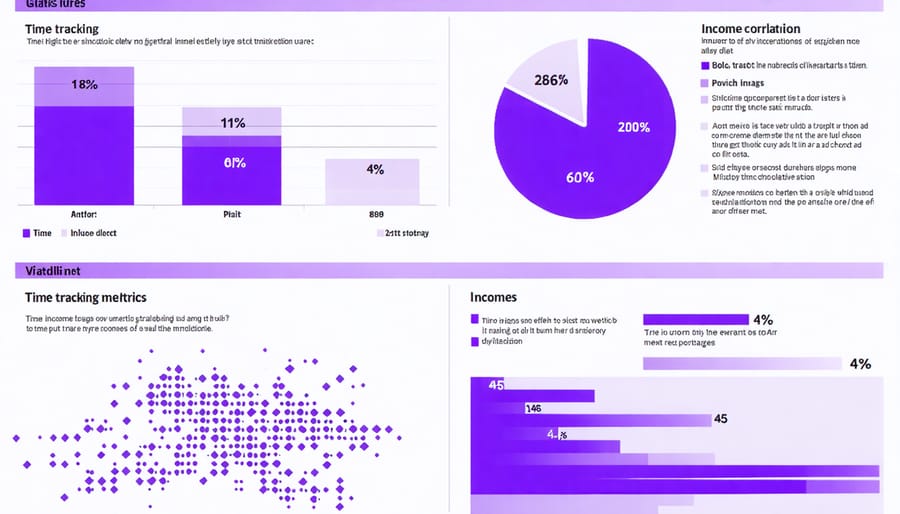
Having detailed time tracking data gives you a powerful advantage when negotiating with clients. Instead of relying on gut feelings, you can confidently discuss project costs based on concrete evidence of how long similar work typically takes you. This data-driven approach helps you increase your freelance rates while maintaining transparent relationships with clients.
When discussing rates with new clients, share aggregated data from past projects to demonstrate your efficiency and justify your pricing. For example, you might say, “Based on tracking similar projects, I know a 1,500-word blog post typically requires 4-5 hours for research, writing, and editing to meet quality standards.”
This approach is particularly effective when requesting rate increases from existing clients. Present your time tracking data to show how you’ve optimized your process and delivered consistent value. You might discover that certain project types are actually taking longer than your current rate reflects, giving you solid grounds for an adjustment.
Remember to focus on value rather than just hours worked. Use your tracking data to highlight efficiency improvements and how they benefit the client through faster turnaround times or enhanced quality. This positions you as a professional who takes their business seriously and understands the importance of data-backed decisions.
Making Time Tracking a Daily Habit
Creating Your Personal System
Creating an effective time tracking system doesn’t mean you have to follow someone else’s rules. The key is to develop a method that feels natural and supports your unique writing workflow. Start by identifying your peak productivity hours – are you a morning person or do your creative juices flow better in the evening?
Consider combining different tracking tools based on your needs. If you’re tech-savvy, you might prefer automatic tracking apps, while others might find satisfaction in maintaining a simple spreadsheet or bullet journal. The important thing is to track what matters most to your business goals.
Begin with these basic metrics: project time, administrative tasks, research, and breaks. As you become more comfortable with tracking, you can add more detailed categories like client communication or social media management.
Remember to regularly review and adjust your system. What works during your first month of freelancing might need tweaking as your business grows. Stay flexible and don’t be afraid to experiment with different methods until you find your perfect fit. The best system is one you’ll actually use consistently.
Weekly Review Process
Set aside time each Friday afternoon to review your tracked hours and make this weekly analysis a cornerstone of your freelance success. Start by analyzing your writing metrics to identify patterns in your productivity. Look for your peak performance hours and the types of projects that yield the highest hourly rate.
Create a simple spreadsheet to compare planned versus actual hours spent on each project. Pay special attention to tasks that consistently take longer than estimated – these are opportunities to adjust your quotes or streamline your process. Notice which clients or project types provide the best return on your time investment.
Use these insights to make data-driven decisions about:
– Which projects to accept or decline
– How to price future work more accurately
– When to schedule challenging tasks
– Where to cut down on non-billable activities
Remember to celebrate wins when you spot efficiency improvements or increased earning periods. Your time tracking data isn’t just numbers – it’s a roadmap to growing your freelance writing business. Make adjustments to your schedule and pricing based on these weekly insights, and you’ll see steady improvements in both productivity and profitability.
Time tracking isn’t just another task on your to-do list – it’s your path to freelance writing success. By implementing the strategies we’ve discussed, you’ll gain control over your workday, boost your productivity, and ultimately increase your income.
Remember that effective time tracking starts with choosing the right tools and establishing a consistent routine. Whether you prefer a simple spreadsheet or a sophisticated app, the key is to stick with your system and make it a natural part of your workflow.
Many Canadian freelance writers have transformed their businesses through proper time management. Take Sarah from Vancouver, who doubled her monthly income after discovering she was undercharging for research-heavy articles. Or Michael in Toronto, who used time tracking to optimize his work schedule and now completes more projects while working fewer hours.
Start small by tracking just one project tomorrow. Notice how long each task takes, from initial research to final edits. Use these insights to refine your quotes, set realistic deadlines, and identify your most productive hours.
Remember, you’re not just tracking time – you’re investing in your freelance career. With each logged hour, you’re gathering valuable data that will help you make informed decisions about your rates, capacity, and business growth.
Take that first step today. Your future self will thank you for the organization, clarity, and professional growth that comes from mastering your time.